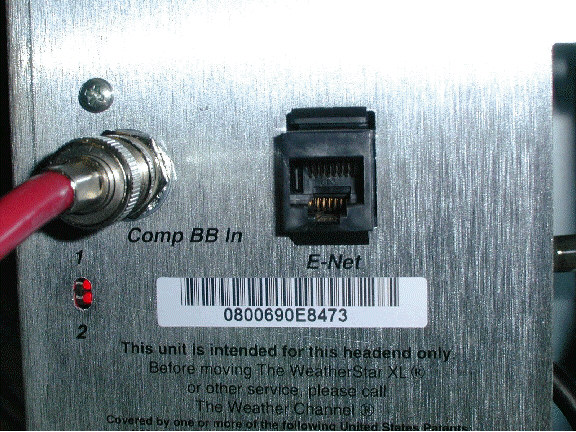
There is no local forecast.
There could be a number of reasons for this to happen.
First, verify data is going to the
Star, by checking for the red led�s on the back of the Star. #2
should be flickering.
Reset the Star from the front.
If the local does not Start to load in about 25 minutes, power down the Star from the front.
Pull out the system board a few inches, and reseat. (Make sure that the system board locks back in place fully, or the Star will not power on).
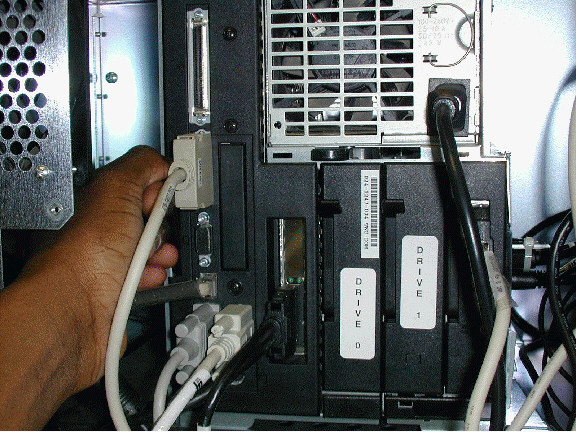
Reseat drive 0.
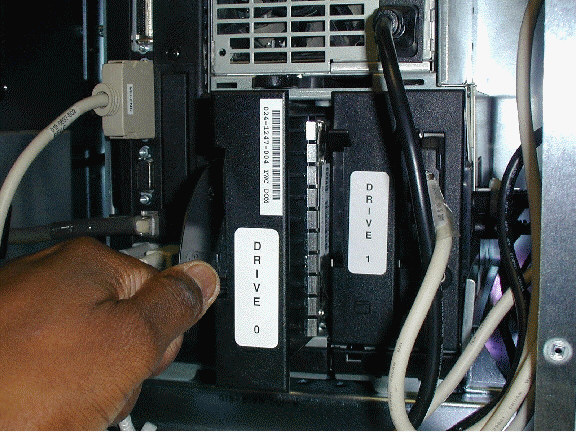
Power the Star on.
If the local does not load, call for assistance.
Audio and video are out of sync.
The video and audio coming from the video cipher need to be connected directly to the Star. The Star syncs the audio and video, so passing the audio through other equipment before the Star will cause a delay.
The Star is showing local forecast, but radar has been temporarily unavailable.
Verify data is going to the Star, by checking for the red led�s on the back of the Star. #2 should be flickering.
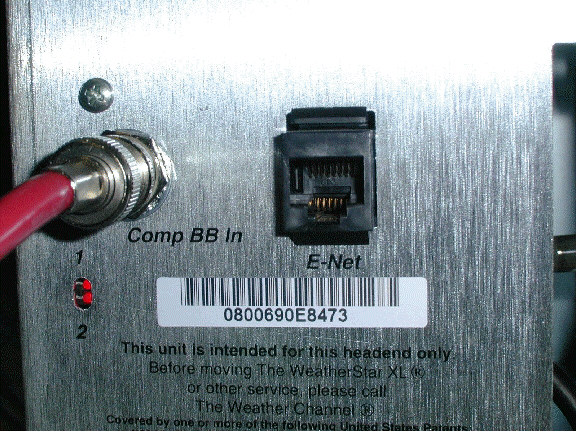
If not, satscan board is faulty.
Call for assistance.
The Star is on. Audio can be heard, but there is no video.
Verify all connections in the Star are secure. In particular, the
s-video connection to the satscan
and audio/video boards. 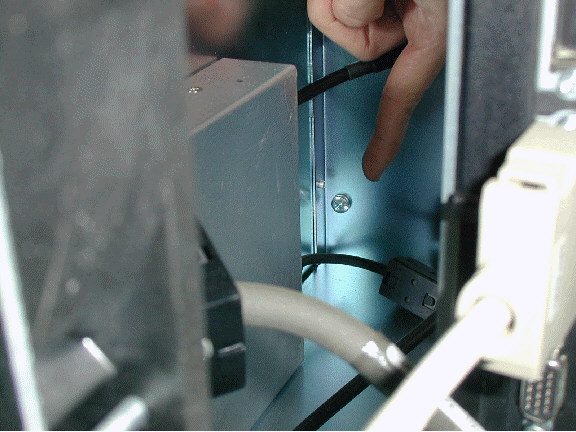
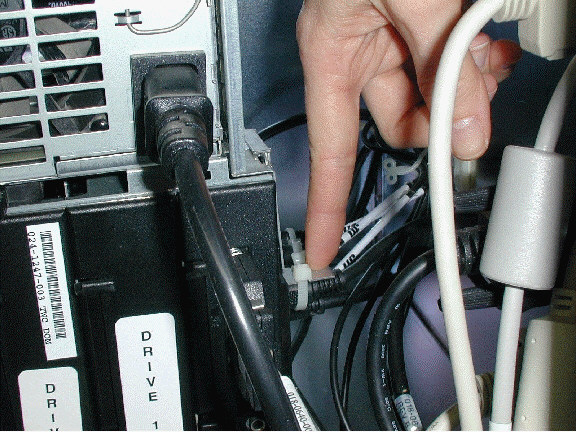
Reset the Star if necessary.
Call for assistance.
The Star is showing local forecast from another city.
If the reports come from a nearby city, then the primary reporting site could be down. Therefore reports are coming from the alternate site. The website www.nws.noaa.gov can be checked for reports.
If reports are coming from out of state or, have been wrong for a period of time, call for assistance.
The Star is displaying constant local forecast.
When the Star loses video, it defaults to local forecast. It will switch back 90 seconds after video is present. Check for video input, and make sure all connections are secure. Reset the Star if necessary.
The Star was just installed but there is no local forecast.
The local will take about 25 minutes to load. Ensure baseband data is
present. 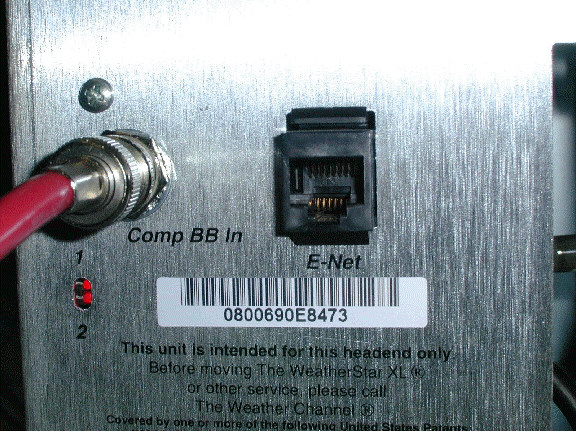
The Star was just installed, and the screen is rolling.
Ensure all cables in the Star are secure. Particularly the s-video cable attached to the satscan card and the A/V board.
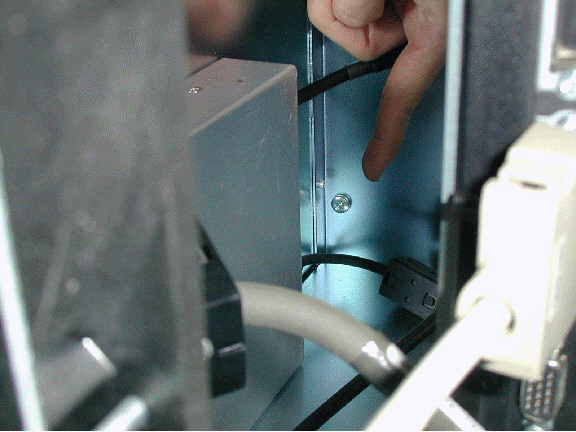
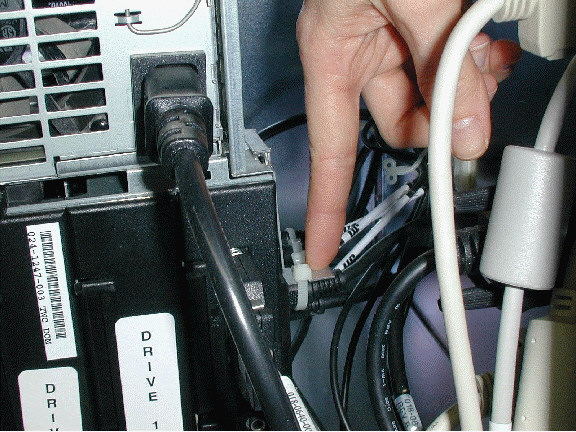
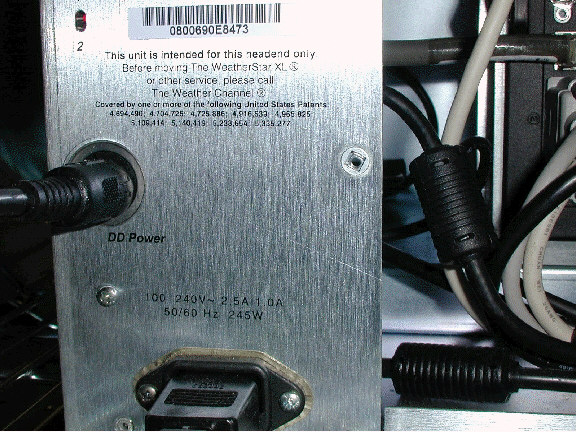
Ensure that the DD power is plugged into the back of the Star.
No audio is coming from the Star
Verify audio is going into the Star.
Verify all connections in the Star are secure.
The left audio most likely failed. This can be corrected by moving the left input and output on the audio/video board over to the right input and output.
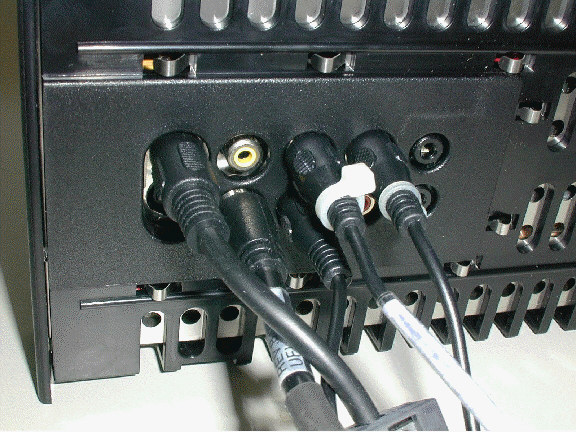
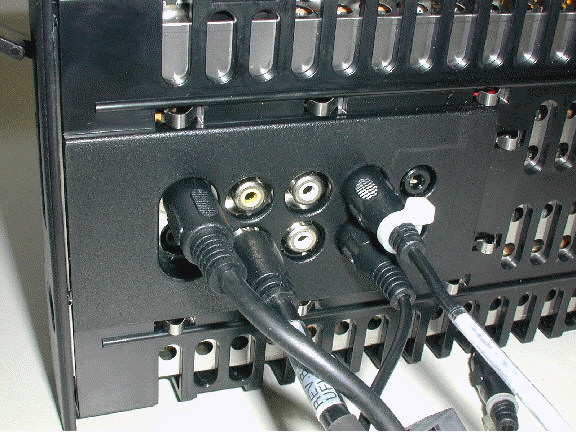
If this does not work, the audio
going into the Star can be tested by taking out the end of the output
RCA jack on the a/v board and looping it to the top jack on the
interface board. 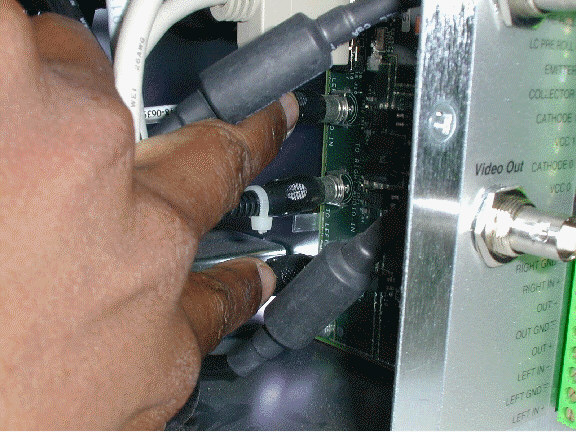
If either corrects the problem, call for a replacement a/v board.
Call for assistance.
The Star was reset over an hour but, there is no 36hr or extended forecasts.
These reports are sent out in the early afternoons and evenings, so it will be a few hours before they load.
The Star was just installed, and the picture is black.
Make sure that all connections in the Star are secure.
Make sure that the power supply is
locked in place. The lever should be all the way over to the left. 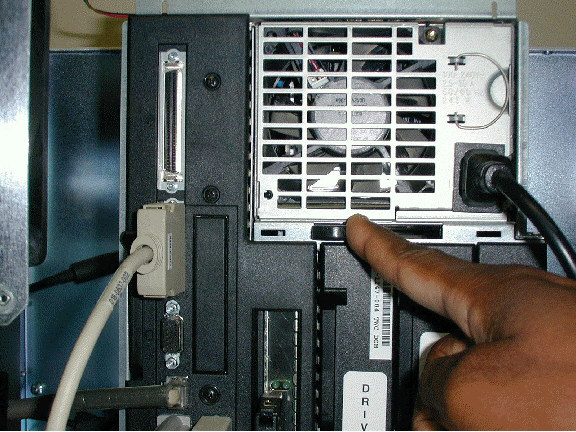
Call for assistance.